No products in the cart.
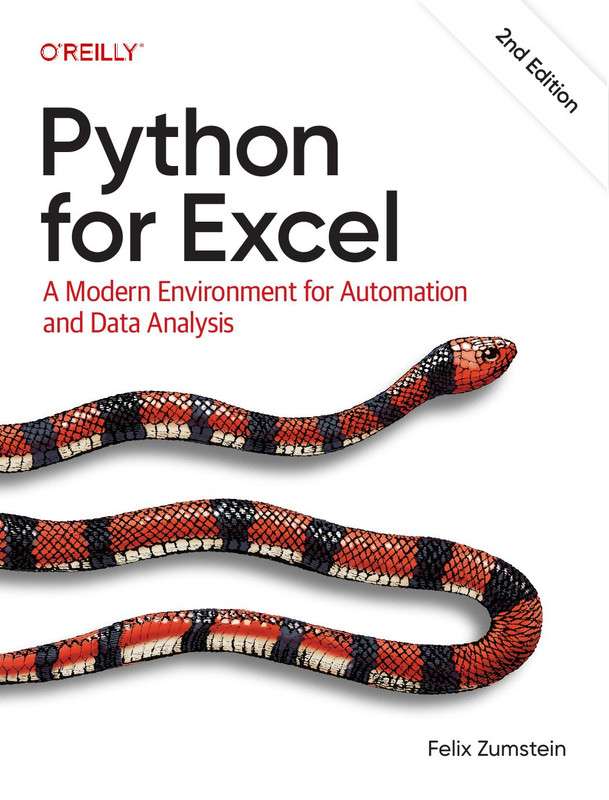
Modern Python for Excel Automation and Data Analysis
Original price was: $49.99.$4.99Current price is: $4.99.
Learn spreadsheet automation and analytics with Python. Master Python Excel Data Analysis techniques for business efficiency.
Description
Modern Python for Excel Automation and Data Analysis
Python Excel Automation Techniques empower professionals to automate repetitive spreadsheet tasks, analyze large datasets, and build efficient data-driven workflows. This comprehensive course teaches you how to combine the power of Python with Microsoft Excel to streamline business processes, generate insightful reports, and perform advanced data analysis. Whether you are a business analyst, financial professional, data analyst, or Python developer, this course equips you with the practical skills needed to transform Excel into a powerful automation platform.
Why Learn Python for Excel Automation?
Excel remains one of the most widely used business applications across industries. Therefore, combining Excel with Python enables you to eliminate manual work, reduce errors, and improve productivity. Moreover, Python offers powerful libraries that simplify data manipulation, visualization, reporting, and automation.
Throughout this course, you will learn how to automate Excel workflows, process complex datasets, and create professional reports. Furthermore, you will discover how Python integrates seamlessly with Excel to solve real-world business challenges. As a result, you will gain highly sought-after automation and data analysis skills.
What You Will Learn
- Understand Python fundamentals for Excel automation.
- Read, write, and modify Excel workbooks programmatically.
- Automate repetitive spreadsheet tasks.
- Analyze and clean large datasets efficiently.
- Create pivot tables and summary reports using Python.
- Generate charts and visualizations from Excel data.
- Work with multiple worksheets and workbooks.
- Perform data validation and transformation.
- Build automated reporting workflows.
- Optimize Python scripts for business productivity.
Course Modules
Getting Started with Python and Excel
First, you will install the required tools and libraries while learning the fundamentals of Python for Excel automation. Additionally, you will understand how Python interacts with Excel files efficiently.
Reading and Writing Excel Files
Next, you will learn how to create, edit, and update Excel workbooks using Python. Furthermore, you will automate worksheets, cell formatting, formulas, and workbook management.
Data Cleaning and Transformation
After that, the course focuses on cleaning inconsistent datasets, handling missing values, and transforming raw information into structured formats. Consequently, you will prepare data for meaningful analysis.
Advanced Data Analysis
Moreover, you will explore techniques for filtering, grouping, aggregating, and summarizing data. Therefore, you will be able to generate valuable business insights from complex datasets.
Visualization and Reporting
In addition, you will create charts, dashboards, and automated reports directly from Python. As a result, you can present data clearly and support informed decision-making.
Automation Projects
Finally, you will build real-world automation projects that save time and improve workflow efficiency. Consequently, you will gain practical experience that can be applied immediately in professional environments.
Key Technologies Covered
- Python Programming
- Pandas for Data Analysis
- OpenPyXL for Excel Automation
- XlsxWriter
- NumPy Fundamentals
- Matplotlib Data Visualization
- Excel Formulas and Functions
- Business Reporting Automation
- CSV and Excel Data Processing
- Workflow Automation Techniques
Who Should Take This Course?
- Business Analysts
- Data Analysts
- Financial Analysts
- Accountants
- Python Developers
- Office Professionals
- Students Learning Data Analysis
- Anyone Looking to Automate Excel Tasks
Benefits of This Training
This course combines practical Python programming with everyday Excel workflows. Therefore, you will reduce repetitive manual tasks while increasing accuracy and productivity. Additionally, you will develop automation skills that are highly valuable across finance, business, operations, and data analytics.
Furthermore, mastering Python for Excel enables you to handle larger datasets than traditional spreadsheets alone. As a result, you will improve your ability to analyze information, generate reports, and support data-driven decision-making in any organization.
Explore These Valuable Resources
Explore Related Courses
- Python Programming Courses
- Data Analysis Training
- Microsoft Excel Courses
- Data Science Courses
- Business Intelligence Training
Conclusion
Modern Python for Excel Automation and Data Analysis provides a complete learning experience for professionals who want to automate spreadsheets and unlock deeper insights from business data. Throughout the course, you will master Python libraries, automate Excel workflows, analyze complex datasets, and build efficient reporting solutions. As a result, you will save valuable time, improve productivity, and gain in-demand skills that enhance your career in business, finance, and data analytics.
“`
Additional information
| Authors | (Felix Zumstein) |
|---|---|
| Publisher | Inc., O'Reilly Media |
| Published On | 18-06-26 |
| Language | English |
| File Format | |
| File Size | 14.43 MB |
| Rating | ⭐️⭐️⭐️⭐️⭐️ 4.147 |
Only logged in customers who have purchased this product may leave a review.
Recommended Courses and Materials
Python Masterclass: Learn Python From Scratch, Build 23 Apps 2024
Price: 19.00 USD | Size: 28.3 GB | Duration : 69.26 Hours | 655 Video Lessons
BRAND:

ENGLISH | INSTANT DOWNLOAD |
Original price was: $70.00.$19.00Current price is: $19.00. 4.9
4.9The A to Z of Data Preprocessing for Data Science in Python Course
Price: 10.00 USD | Size: 5.90 GB | Duration : 10.49 Hours | 167 Video Lessons |
BRAND: Expert TRAINING | ENGLISH | INSTANT DOWNLOAD |
Original price was: $29.00.$10.00Current price is: $10.00.4.9Excel Skills for Business Forecasting Course
Price: 5.00 USD | Size: 1.50 GB | Duration : 7+ Hours | 3 courses | ⭐️⭐️⭐️⭐️⭐️ 4.9BRAND : Expert TRAINING | ENGLISH | Bonus : Excel 2019 PDF Guides | INSTANT DOWNLOAD Original price was: $25.00.$5.00Current price is: $5.00.Python Programming: Ultimate Crash Course Guide
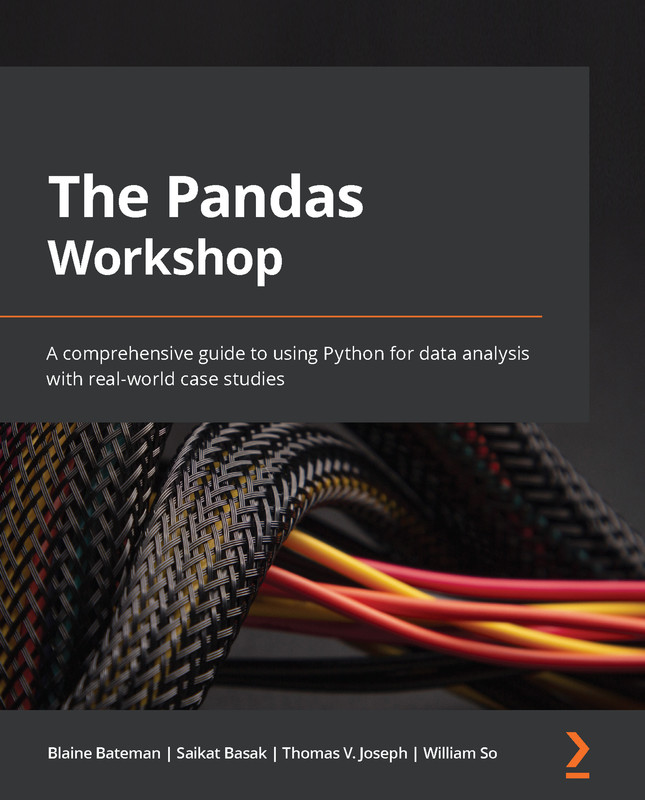
Quickly learn Python programming with this ultimate crash course, featuring practical examples, coding tricks, and beginner-friendly content for data science and more. Original price was: $35.00.$2.99Current price is: $2.99.The Pandas Workshop: A Comprehensive Guide to Data Analysis
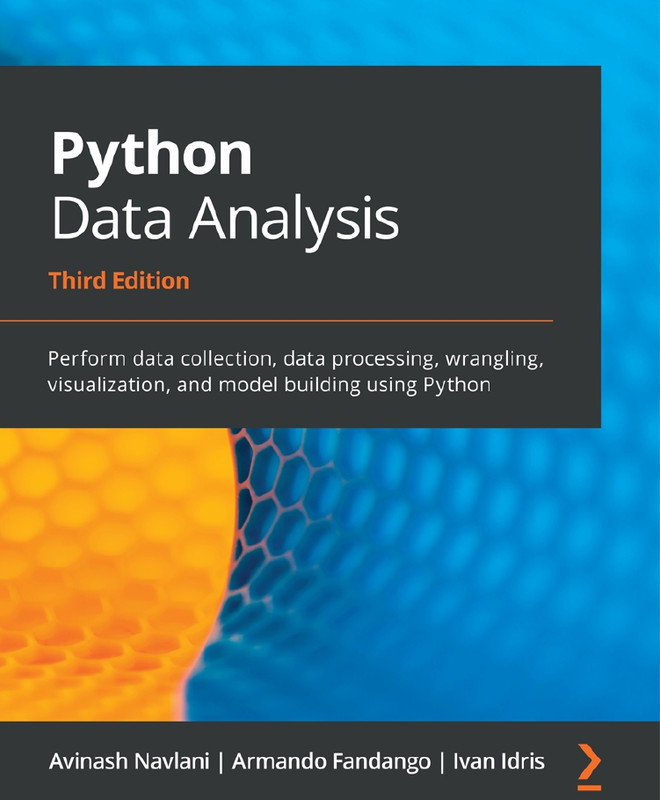
Dive deep into data analysis with Pandas. Learn all the essential techniques to manipulate and analyze data with Python. Original price was: $35.00.$0.00Current price is: $0.00.Python Data Analysis: Master Data Wrangling Techniques
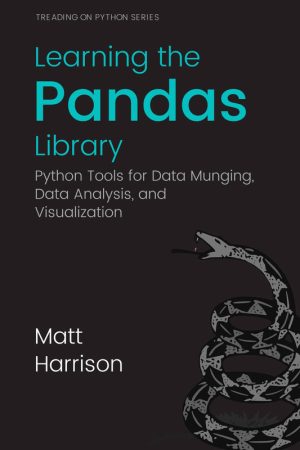
Learn to master data wrangling with Python. Use Pandas and NumPy for efficient data analysis and transformation. Original price was: $35.00.$0.00Current price is: $0.00.Learning Pandas Library: Data Munging and Analysis with Python
Learn to use the Pandas library for data munging and analysis in Python to efficiently manage and process datasets. Original price was: $35.00.$0.00Current price is: $0.00.Master Pandas for Data Handling
Price: 6.00 USD | Size: 4.80 GB | Duration : 13.00+ HoursOriginal price was: $18.00.$6.00Current price is: $6.00.BRAND: Expert TRAINING | ENGLISH | INSTANT DOWNLOADPython Data Analysis & Visualization Masterclass
Price: 10 USD
Size: 8.49 GB
Duration: 20+ Hours
Number of Video Lessons: 200+
Brand: Expert Training
Language: English
Bonus: Big Bundle Of Python Data Analysis PDF Guides
Delivery: Instant Download
Rating: ⭐️⭐️⭐️⭐️⭐️ 4.9
Python for Business Analytics
Learn python for business analytics to make data-driven decisions. Master predictive models and data visualization using Python effectively. Original price was: $49.99.$4.99Current price is: $4.99.Python Programming for Engineers and Scientists
Learn Python engineering scientific computing to solve real-world technical and research challenges. Original price was: $49.99.$4.99Current price is: $4.99.Learn Python Programming: Beginner to Advanced
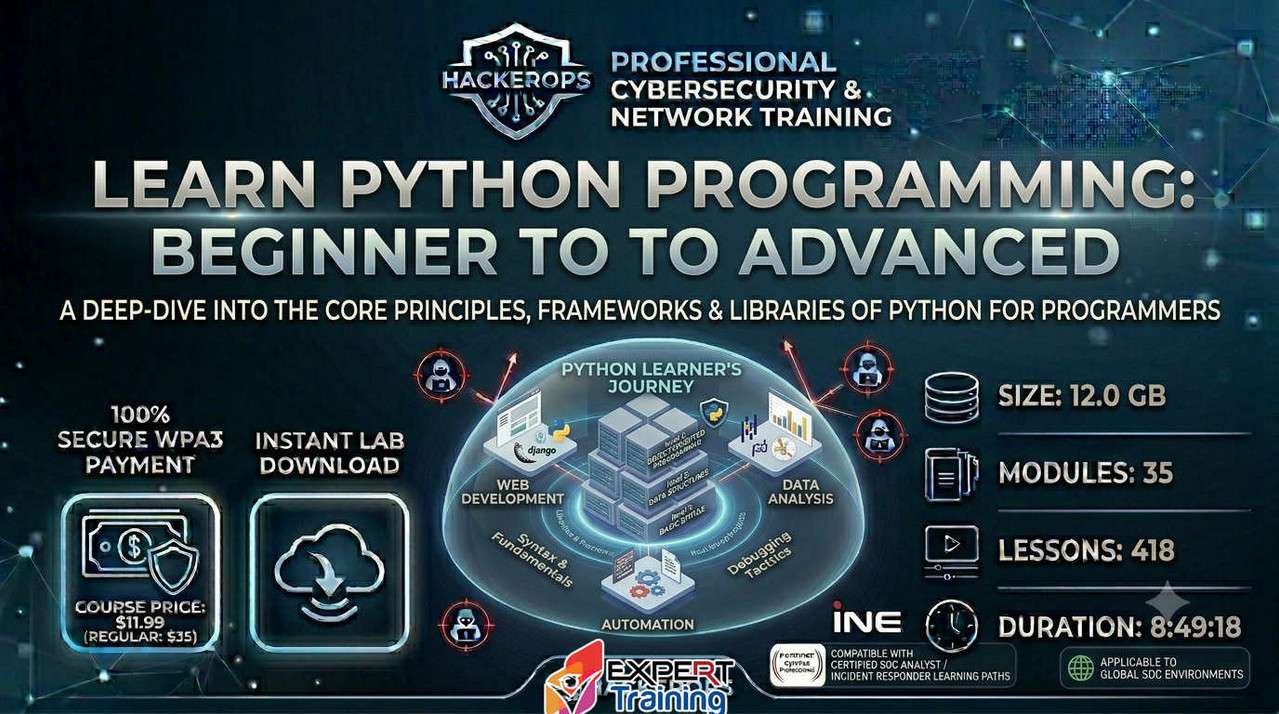
Master coding with Learn Python Programming Course lessons covering fundamentals, automation, data analysis, and advanced development. Original price was: $35.00.$11.99Current price is: $11.99.Pandas Cookbook
Master data analysis with Pandas in this comprehensive cookbook. Learn advanced techniques for manipulating and analyzing data in Python. Original price was: $49.99.$4.99Current price is: $4.99.Automate Excel Tasks Efficiently Using Python Programming
Learn to automate spreadsheets, reports, and data processing using Python. Master Automate Excel With Python for productivity gains. Original price was: $49.99.$4.99Current price is: $4.99.Python and AI For Dummies Complete Beginner Learning
Learn Python AI programming fundamentals with practical projects covering automation, machine learning, and generative AI for beginners. Original price was: $49.99.$4.99Current price is: $4.99.Python Data Analysis End-to-End Guide for Data Processing Visualization
Master Python data analysis techniques for data processing, manipulation, visualization, and actionable insights using modern Python libraries. Original price was: $49.99.$4.99Current price is: $4.99.











Reviews
There are no reviews yet.