
Description
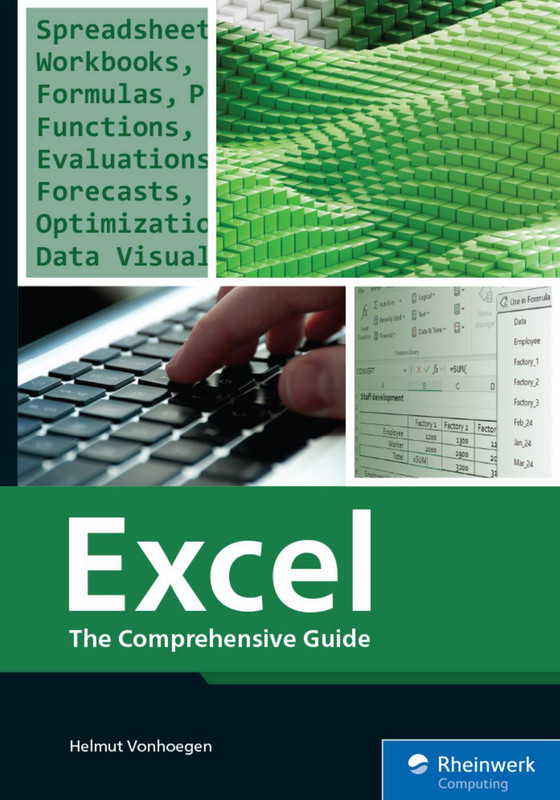
Excel The Comprehensive Guide
Advanced Microsoft Excel Mastery begins with a practical, hands-on approach that helps learners confidently use Excel for data analysis, reporting, automation, and decision-making in real-world scenarios.
Microsoft Excel remains one of the most powerful and widely used tools in business, education, and technology. Therefore, this course is designed to take learners from foundational concepts to advanced Excel techniques in a structured and engaging way. Moreover, the course emphasizes real-life use cases, so learners not only understand features but also apply them effectively. As a result, participants gain skills that immediately improve productivity and accuracy.
Course Overview
This course provides a comprehensive learning path that covers Excel basics, intermediate tools, and advanced functionalities. First, learners explore the Excel interface, formulas, and functions. Next, they move into data visualization, logical analysis, and advanced data management. Finally, they master automation tools that save time and reduce errors. Throughout the course, concepts are explained clearly and reinforced with practical examples.
What You Will Learn
- Understand Excel fundamentals, including worksheets, formulas, and functions
- Analyze data efficiently using sorting, filtering, and lookup functions
- Create professional charts and dashboards for clear data presentation
- Apply logical and financial functions to solve business problems
- Automate repetitive tasks using advanced Excel features
In addition, the course focuses on best practices that professionals use daily. Consequently, learners develop confidence while working with large datasets. Furthermore, practical exercises ensure that knowledge is retained and applied correctly.
Who This Course Is For
This course is ideal for students, office professionals, analysts, accountants, and entrepreneurs. Whether you are just starting or already using Excel regularly, this guide helps you level up your skills. Similarly, anyone preparing for Excel-related roles or certifications will benefit greatly.
Why Choose This Course
Unlike fragmented tutorials, this course offers a complete and structured roadmap. Therefore, learners avoid confusion and build skills progressively. Additionally, the content stays relevant to modern workplace requirements, which makes it suitable for long-term career growth.
Explore These Valuable Resources
Explore Related Courses
- Explore Related Courses: Data Analysis
- Explore Related Courses: Business Intelligence
- Explore Related Courses: Microsoft Office
- Explore Related Courses: Productivity Tools
- Explore Related Courses: Office Automation
Ultimately, Excel The Comprehensive Guide equips learners with practical, job-ready Excel skills. As you progress through the course, you build accuracy, speed, and confidence. Therefore, by the end, you can handle complex data tasks efficiently and stand out in any professional environment.



Reviews
There are no reviews yet.