
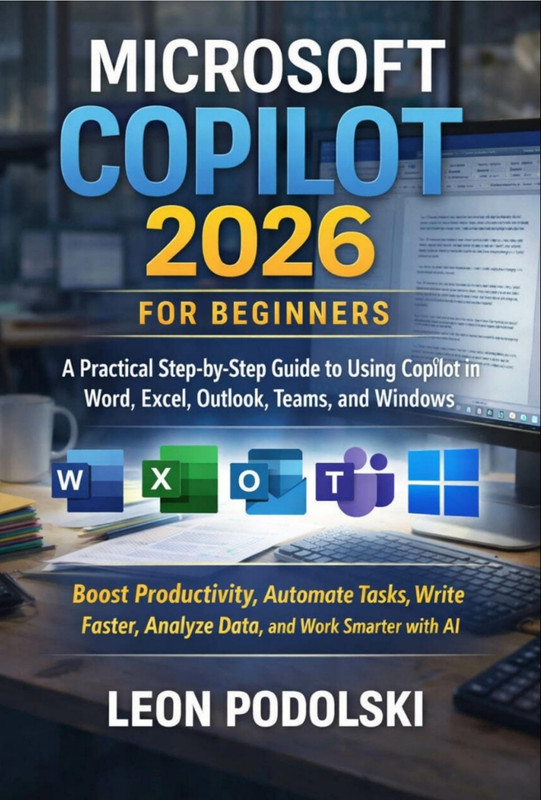
Description
Microsoft Copilot 2026 Beginner Guide for Productivity Tools
Discover the power of AI in your everyday work with the Microsoft Copilot 2026 Beginner Guide. This comprehensive course introduces beginners to Microsoft Copilot, helping you maximize productivity across all Microsoft 365 applications. Whether you are new to AI-driven productivity tools or looking to streamline your workflow, this course equips you with the knowledge and skills to leverage Copilot effectively.
Course Overview
This course is designed for beginners and covers all fundamental aspects of Microsoft Copilot 2026. You will learn how to integrate AI capabilities into applications like Word, Excel, PowerPoint, and Outlook. By the end of the course, you will understand how Copilot can automate repetitive tasks, generate intelligent suggestions, and enhance your overall efficiency.
What You Will Learn
- Introduction to Microsoft Copilot 2026 and AI-driven productivity.
- Using Copilot in Microsoft Word for smart content creation.
- Enhancing data analysis and visualization in Excel using Copilot.
- Creating dynamic presentations in PowerPoint faster with AI suggestions.
- Optimizing email management in Outlook through Copilot automation.
- Practical tips and workflows to increase workplace productivity.
Course Features
- Step-by-step video tutorials for beginners.
- Hands-on exercises and practice sessions.
- Guided demonstrations of AI features in real scenarios.
- Downloadable resources and cheat sheets.
- Lifetime access with updates for Microsoft Copilot 2026 features.
Explore These Valuable Resources
- Official Microsoft Copilot Documentation
- Microsoft Tech Community Resources
- Microsoft Office Support & Tutorials
Explore Related Courses
- Explore Related Courses: Microsoft 365
- Explore Related Courses: AI Productivity Tools
- Explore Related Courses: Microsoft Excel
- Explore Related Courses: Microsoft Word
- Explore Related Courses: Microsoft Outlook
Who Should Enroll
This course is perfect for beginners, office professionals, students, and anyone interested in leveraging AI tools to improve productivity. No prior experience with Microsoft Copilot is required; just a desire to work smarter and faster.
Why Choose This Course
With detailed step-by-step guidance, hands-on exercises, and practical workflows, this course ensures you gain real-world skills with Microsoft Copilot 2026. Enhance your efficiency, save time, and make smarter decisions in your workplace with AI-powered productivity tools.







Reviews
There are no reviews yet.