
Description
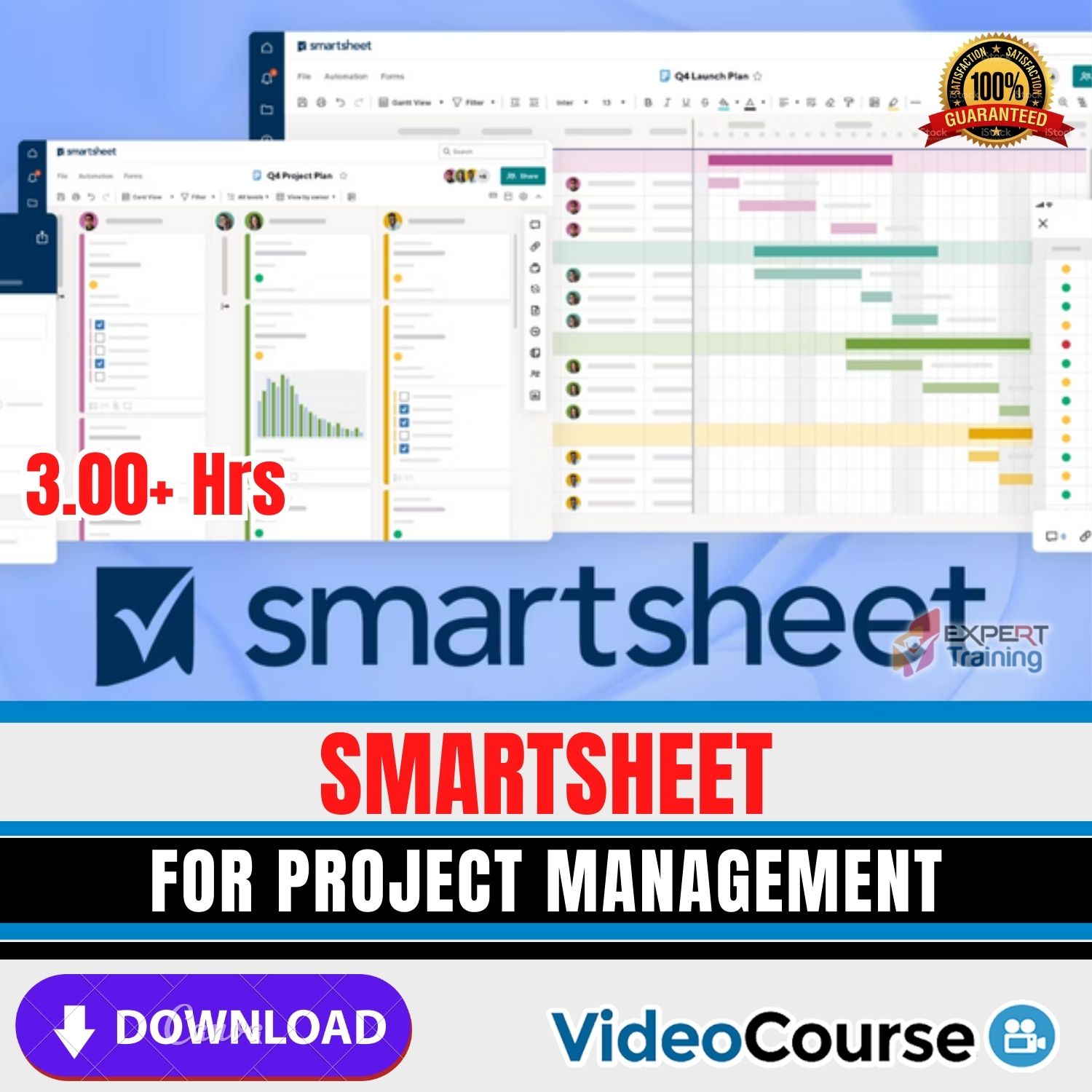
Smartsheet For Project Management
Introduction
Smartsheet For Project Management is a comprehensive, hands-on course that teaches you how to plan, execute, and deliver projects efficiently using Smartsheet’s collaborative work management platform. You’ll learn to build project structures, align teams, automate workflows, and create executive dashboards—giving you a reliable, repeatable way to manage projects across IT, business operations, and cloud initiatives. This course emphasizes practical skills and real-world scenarios so you can immediately apply what you learn to your portfolio of projects.
Course overview
The curriculum begins with sheet fundamentals, then progresses to timelines, dependencies, and resource planning. You’ll configure automation for reminders, approvals, and status updates, and design stakeholder-friendly dashboards with widgets, charts, and rollups. The course also covers portfolio management, cross-sheet formulas, and reporting to help you scale from single projects to multi-program environments. By the end, you’ll have a robust toolkit for transparent, data-driven project delivery.
Key learning outcomes
- Project setup: Create sheets, choose templates, and establish metadata for consistent governance.
- Scheduling: Build Gantt charts, configure dependencies, milestones, and critical paths.
- Collaboration: Share sheets, manage permissions, and enable real-time updates for stakeholders.
- Automation: Design workflows for alerts, approvals, and change control.
- Reporting & dashboards: Build rollup reports, portfolio views, and executive dashboards.
- Resource management: Track allocation, capacity, and workload across teams.
- Integrations: Connect Smartsheet with Microsoft Teams, Slack, Google Workspace, and more.
Hands-on modules
- Module 1: Getting started — sheets, templates, fields, and data hygiene.
- Module 2: Schedules — Gantt, timelines, dependencies, and baselines.
- Module 3: Collaboration — sharing, comments, updates, and proofing.
- Module 4: Automation — alerts, reminders, approvals, and change logs.
- Module 5: Reporting — cross-sheet formulas, reports, and portfolio rollups.
- Module 6: Dashboards — KPIs, charts, widgets, and stakeholder views.
- Module 7: Resource & portfolio — workload views, capacity planning, and governance.
- Module 8: Integrations — connecting Smartsheet to collaboration and productivity tools.
Who should enroll?
Ideal for project managers, coordinators, team leads, PMO staff, IT/cloud professionals, and operations leaders who need to standardize project delivery. If you manage distributed teams or multiple initiatives, this course will help you create consistent workflows and clear stakeholder communication.
Explore These Valuable Resources
Explore Related Courses
Conclusion
The Smartsheet For Project Management course gives you a clear pathway to modern, transparent, and automated project delivery. With structured modules, practical exercises, and portfolio-scale techniques, you’ll be equipped to ship projects on time, communicate confidently, and drive results with data-backed decisions.




Reviews
There are no reviews yet.