
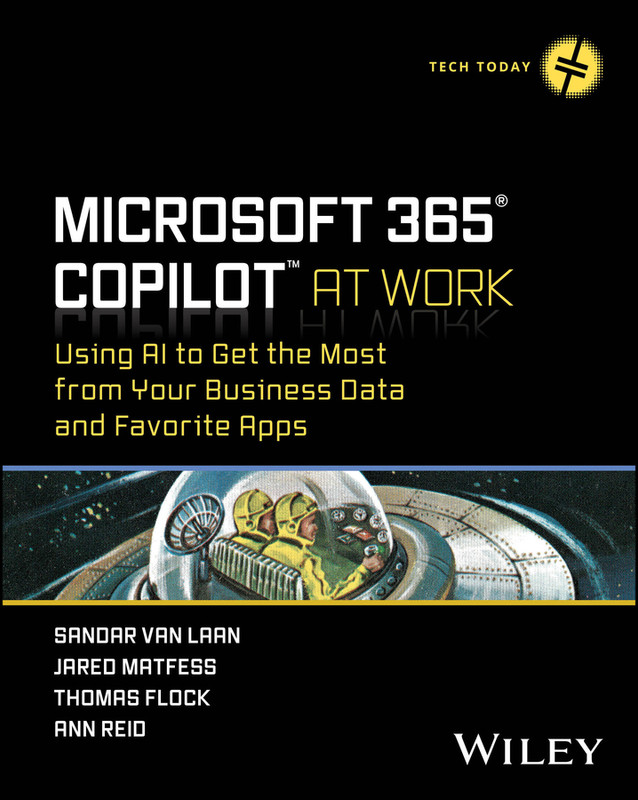
Description
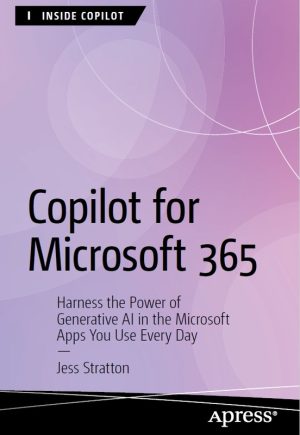
Microsoft 365 Copilot Business Automation
Microsoft 365 Copilot Business Automation helps professionals, entrepreneurs, and teams use AI-powered tools to improve productivity, simplify workflows, and unlock deeper insights from business data. Moreover, this course teaches you how to maximize the potential of Microsoft 365 apps such as Word, Excel, Teams, Outlook, and PowerPoint with the power of AI-driven Copilot features.
Transform Your Workflow with Microsoft 365 Copilot
Modern businesses generate massive amounts of data every day. However, many professionals struggle to organize, analyze, and use that information effectively. Therefore, this course shows you how Microsoft 365 Copilot can automate repetitive tasks, generate intelligent insights, and improve communication across departments.
Throughout the training, you will learn how to use AI tools inside your favorite Microsoft applications. In addition, you will discover practical techniques that help you create reports faster, summarize meetings instantly, draft emails professionally, and analyze spreadsheets with greater accuracy.
What You Will Learn
- Understand the fundamentals of Microsoft 365 Copilot
- Use AI-powered features inside Word, Excel, and PowerPoint
- Create faster business reports and presentations
- Automate repetitive office tasks efficiently
- Improve team collaboration with Microsoft Teams
- Generate smart email responses in Outlook
- Analyze business data using AI-driven insights
- Increase workplace productivity with automation tools
- Enhance decision-making using intelligent recommendations
- Apply AI strategies for modern business environments
Why This Course Stands Out
Unlike basic Microsoft Office tutorials, this course focuses specifically on AI-powered business productivity. Consequently, you gain practical knowledge that you can apply immediately in professional environments. Additionally, the training combines real-world business examples with step-by-step demonstrations so you can understand advanced concepts easily.
Because companies increasingly adopt AI technologies, professionals with Microsoft 365 Copilot skills now hold a competitive advantage. Furthermore, organizations actively search for employees who can automate workflows, improve efficiency, and optimize communication using intelligent business tools.
Who Should Enroll?
This course suits business professionals, project managers, office administrators, data analysts, entrepreneurs, students, and remote workers. Similarly, anyone who uses Microsoft 365 applications daily can benefit from learning AI-enhanced productivity techniques.
Even if you are new to AI tools, the course explains each concept clearly and gradually. Therefore, beginners can follow the lessons confidently while experienced users can still discover advanced workflow improvements.
Career and Productivity Benefits
After completing this training, you will improve your ability to manage tasks, organize business information, and create professional content faster. As a result, you can save time, reduce manual effort, and increase workplace efficiency.
In addition, Microsoft 365 Copilot skills can strengthen your resume and help you qualify for modern digital workplace roles. Since AI adoption continues to grow globally, these skills remain highly valuable across industries.
Explore These Valuable Resources
- Microsoft 365 Copilot Official Page
- Microsoft Learn Copilot Documentation
- Microsoft Copilot Support Center
Explore Related Courses
- Microsoft 365 Courses
- Artificial Intelligence Courses
- Business Productivity Courses
- Office Automation Courses
- Microsoft Office Courses
Why Choose One Platform When You Can Access Them All?
Get unlimited access to premium IT courses, business training, AI programs, certifications, and eBooks with the Expert Training GOLD Membership for only $49 for 31 days. Moreover, the platform offers affordable learning solutions for professionals who want to grow their careers without paying high monthly subscription costs.
- Operating since 2018
- Course and eBook collections from 2013
- Top-rated eBay seller from 2019–2022
- 6000+ loyal customers worldwide
- 100% money-back guarantee
- Daily updates of courses and eBooks
- Safe, private OneDrive cloud storage
- Easy sharing and downloading options
Ready to Join 100 Exclusive Members This Month?
Join Expert Training GOLD Membership Today
Watch the Platform Overview:




Reviews
There are no reviews yet.