
Description
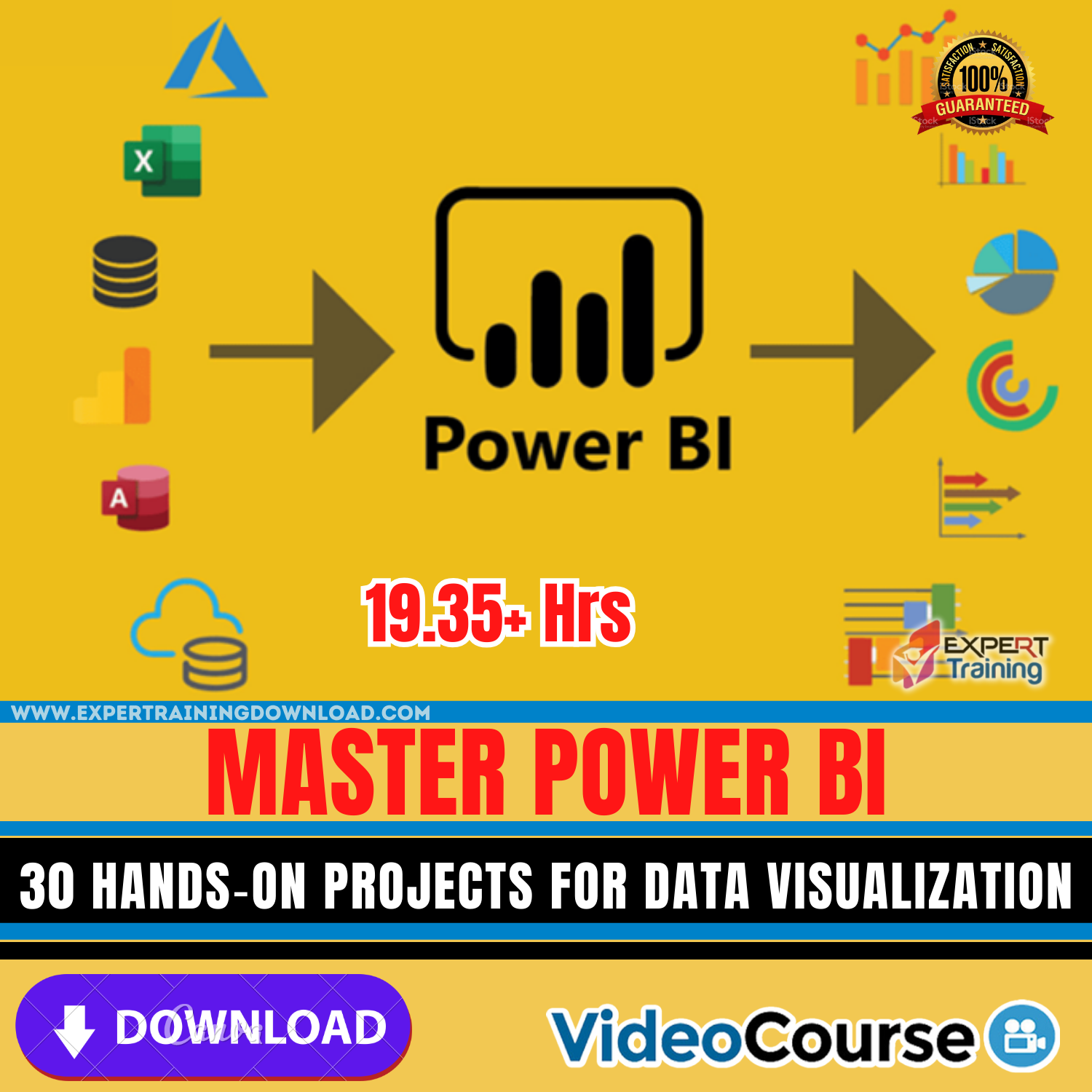
Master Power BI: 30 Hands‑On Projects for Data Visualization
Master Power BI for Data Visualization with 30 Practical Projects is a comprehensive course designed to transform beginners and intermediate users into confident Power BI professionals capable of creating insightful, interactive, and visually compelling dashboards.
Introduction
Master Power BI: 30 Hands‑On Projects for Data Visualization equips you with practical skills to analyze, interpret, and present data effectively using Microsoft Power BI. This course focuses on real-world projects that allow you to learn by doing — mastering data modeling, visualization techniques, DAX formulas, and report publishing.
Why Choose This Course?
- Learn Power BI through 30 hands-on projects covering diverse industries and scenarios.
- Develop both foundational and advanced skills — from data import to advanced visualizations.
- Bridge the gap between theory and practice with real datasets and interactive dashboards.
- Enhance decision-making capabilities by translating raw data into meaningful insights.
Who Should Enroll
This course is ideal for:
- Business analysts and data professionals seeking mastery in Power BI.
- Students and professionals who want to enhance data visualization and reporting skills.
- Managers and decision-makers aiming to create dashboards to track KPIs effectively.
- Anyone interested in converting data into actionable insights through interactive reports.
What You Will Learn
- Connect to various data sources — Excel, SQL, cloud services, and APIs.
- Data transformation and cleaning using Power Query.
- Create dynamic and interactive dashboards and visualizations.
- Master DAX (Data Analysis Expressions) to build powerful calculated columns, measures, and tables.
- Implement advanced reporting features like bookmarks, tooltips, and slicers.
- Publish and share reports securely in Power BI Service.
- Apply best practices for dashboard design, usability, and performance optimization.
Course Curriculum Highlights
- Introduction to Power BI Desktop and Interface Overview
- Data Importing, Cleaning, and Transformation
- Data Modeling and Relationships
- Creating Visuals and Interactive Reports
- Advanced DAX Calculations and Analytics
- Project-Based Learning: 30 Hands-On Real-World Projects
- Advanced Reporting Techniques: Bookmarks, Drillthrough, and Tooltips
- Publishing, Sharing, and Collaborating via Power BI Service
- Best Practices for Dashboards and Data Visualization
Course Benefits
After completing this course, you will be able to:
- Design impactful dashboards for business intelligence.
- Transform raw data into meaningful, actionable insights.
- Confidently use Power BI in professional environments.
- Enhance data-driven decision-making across teams and organizations.
Explore These Valuable Resources
- Official Power BI Documentation
- Power BI Tutorials and Insights by RADACAD
- SQLBI: Power BI and DAX Learning Resources



Reviews
There are no reviews yet.