
Description
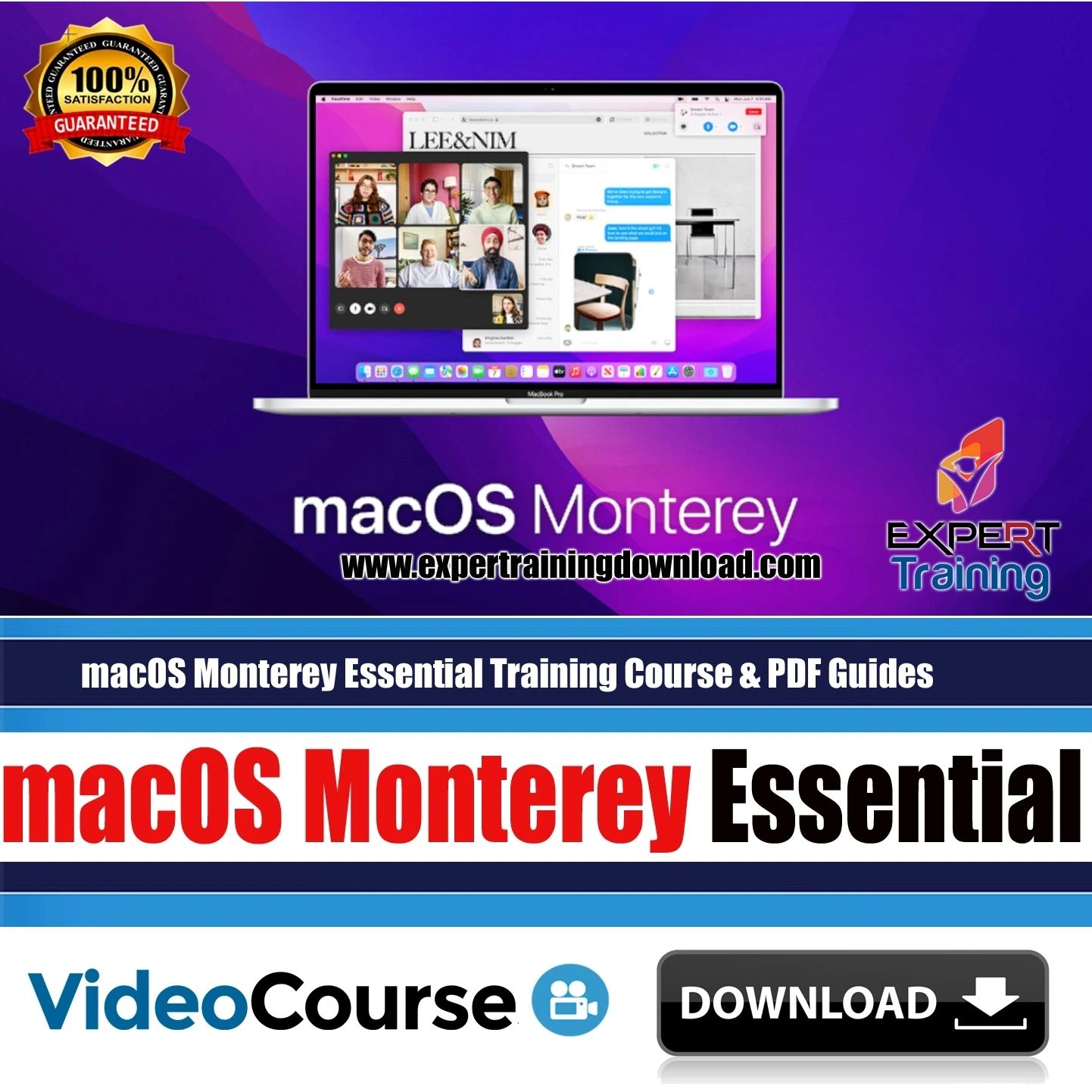
macOS Monterey Essential Training Course
macOS Monterey Essential Training
Introduction /
Unlock your potential with macOS Monterey Essential Training, the comprehensive course designed to help beginners and intermediate users master macOS Monterey efficiently. This training guides you step-by-step through essential features, productivity tools, and advanced functionalities to maximize your workflow and enhance your computing skills.
Course Description
This macOS Monterey Essential Training course offers an in-depth exploration of Apple’s latest operating system, covering everything from basic navigation to advanced system management. You will learn practical techniques to streamline your daily tasks, organize files effectively, and use built-in applications like Safari, Mail, and Notes to their full potential. Moreover, this course emphasizes hands-on learning, ensuring you gain practical experience while applying new skills immediately.
Throughout the course, you will discover tips and tricks for managing system preferences, setting up iCloud, and integrating macOS with other Apple devices. By the end, you will confidently navigate macOS Monterey, troubleshoot common issues, and optimize your Mac for maximum efficiency.
What You’ll Learn
- Mastering macOS Monterey interface and navigation
- Customizing system preferences and desktop environment
- Using productivity apps: Safari, Mail, Notes, Calendar
- Managing files and folders efficiently with Finder
- Setting up iCloud and syncing devices
- Optimizing security settings and privacy features
- Exploring new features like Focus, AirPlay, and Universal Control
- Troubleshooting common macOS issues and maintenance tips
Requirements
- A Mac running macOS Monterey (or access to a virtual Mac)
- Basic computer skills and familiarity with macOS interface
- Internet connection for software updates and cloud services
About the Publication
This course is created by a professional Apple trainer with years of experience in macOS education. Designed for both beginners and intermediate users, the course provides clear explanations, practical demonstrations, and actionable tips that make learning engaging and effective.





Reviews
There are no reviews yet.