
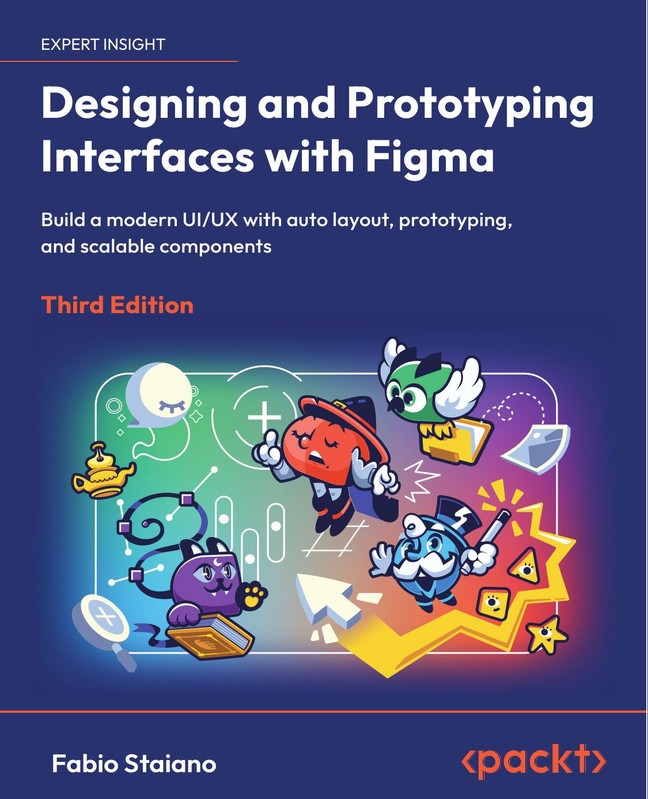
Description
Designing and Prototyping Interfaces with Figma
Figma Interface Design Prototyping helps designers create modern, user-friendly digital interfaces while quickly turning ideas into interactive prototypes using Figma’s powerful collaborative tools.
Designing user interfaces requires creativity, structure, and efficient tools. Therefore, Figma has become one of the most popular design platforms for UI and UX professionals. In this course, you will learn how to design beautiful user interfaces and build interactive prototypes step-by-step. Moreover, the course focuses on real-world workflows used by professional designers.
Throughout the training, you will explore Figma’s powerful features including components, auto layout, design systems, and collaboration tools. As a result, you will gain the confidence to design responsive websites, mobile apps, and dashboards. In addition, you will learn how to convert static designs into clickable prototypes that simulate real user experiences.
Furthermore, the course guides you through practical projects so that you can practice each concept while building a professional portfolio. Consequently, beginners and aspiring UI/UX designers can quickly understand how modern product teams design digital products. By the end of the course, you will know how to design, prototype, and present professional interface designs using Figma.
What you’ll learn
- Understand the fundamentals of UI and UX design principles
- Create modern interface layouts using Figma tools
- Design responsive web and mobile application interfaces
- Use Auto Layout to build flexible design systems
- Create reusable components and design libraries
- Build interactive prototypes with animations and transitions
- Collaborate with developers and designers using Figma
- Export assets and prepare designs for development
- Develop real-world UI projects for your design portfolio
Requirements
- Basic computer skills
- A computer with internet access
- A free or paid Figma account
- No prior UI/UX experience required, although basic design knowledge helps
Description : Figma Interface Design Prototyping
UI/UX design plays a crucial role in building successful digital products. Therefore, designers must understand both visual design and user interaction. This course teaches you how to use Figma efficiently while also developing strong design thinking skills.
First, you will explore the Figma workspace and learn how to organize projects, frames, and design files. Next, you will design interface layouts using typography, color systems, and grid structures. Additionally, the course explains how to build scalable design systems using reusable components.
After mastering design fundamentals, you will focus on prototyping. Consequently, you will create interactive flows that simulate real user journeys. These prototypes allow teams to test ideas quickly before development begins. Furthermore, you will learn how designers collaborate with developers by sharing design specifications directly from Figma.
Finally, you will complete multiple interface projects. As a result, you will gain practical experience that helps you start a career in UI/UX design or freelance interface design.
Who this course is for
- Beginners who want to learn UI and UX design
- Aspiring UI/UX designers building their portfolio
- Web and mobile developers who want to improve design skills
- Product managers and entrepreneurs designing digital products
- Freelancers interested in offering UI/UX design services
Explore These Valuable Resources
- Figma Design Learning Center
- UI Design Fundamentals Guide
- UX Design Principles by Nielsen Norman Group













Reviews
There are no reviews yet.